
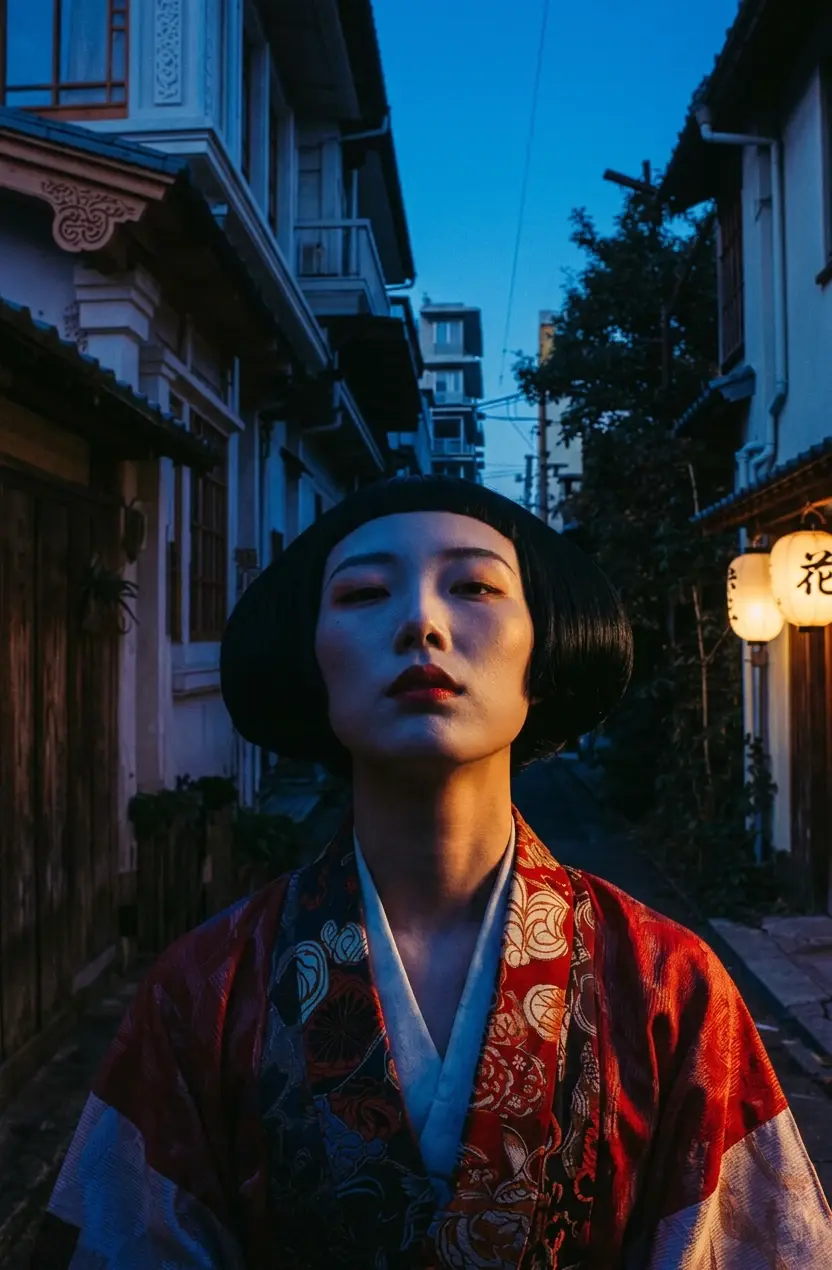
Japanese woman in red floral kimono with black bob and bold red lips, narrow traditional alley at dusk, cold blue shadows with warm side lighting on face, cinematic street portrait, Fujifilm Velvia grain
Cinematic street portrait
AI image generator & editor by Google
Turn a written idea into an image, or bring a reference into the dedicated Nano Banana Edit workflow. One focused workspace covers fast ideation, guided transformations, and format-ready exports.
Text prompts use Nano Banana. Uploaded references open Nano Banana Edit so the workspace can apply image-guided changes.
What a Nano Banana prompt looks like
Sample prompts from the AI Seedance gallery. Use one as a starting point, then change one variable at a time in the workspace above.
Japanese woman in red floral kimono with black bob and bold red lips, narrow traditional alley at dusk, cold blue shadows with warm side lighting on face, cinematic street portrait, Fujifilm Velvia grain
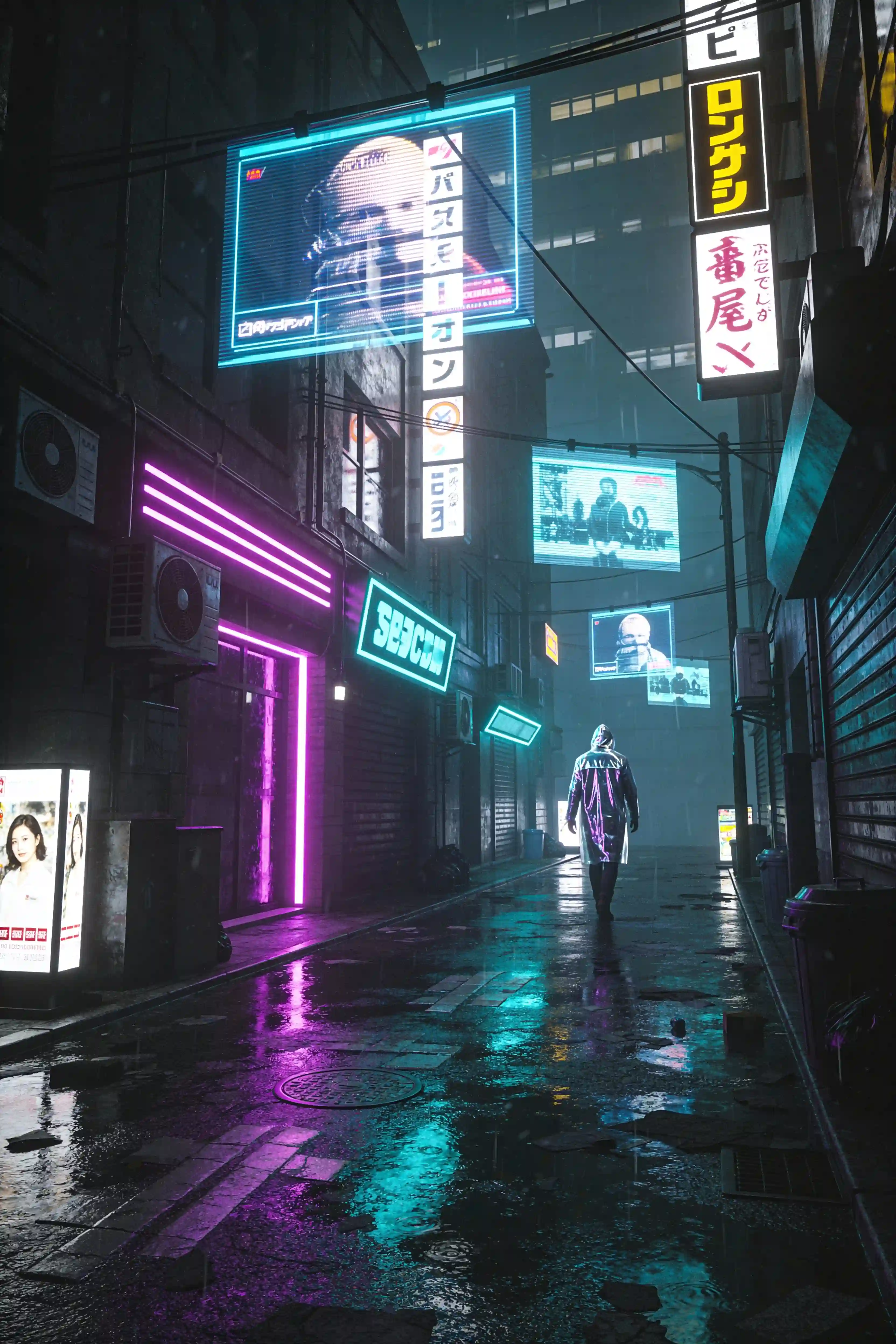
Neon-lit alleyway in a futuristic Tokyo, holographic advertisements floating in mid-air, a lone figure in a reflective raincoat walking away from camera, wet pavement reflecting purple and cyan lights, Blade Runner atmosphere, cinematic wide shot
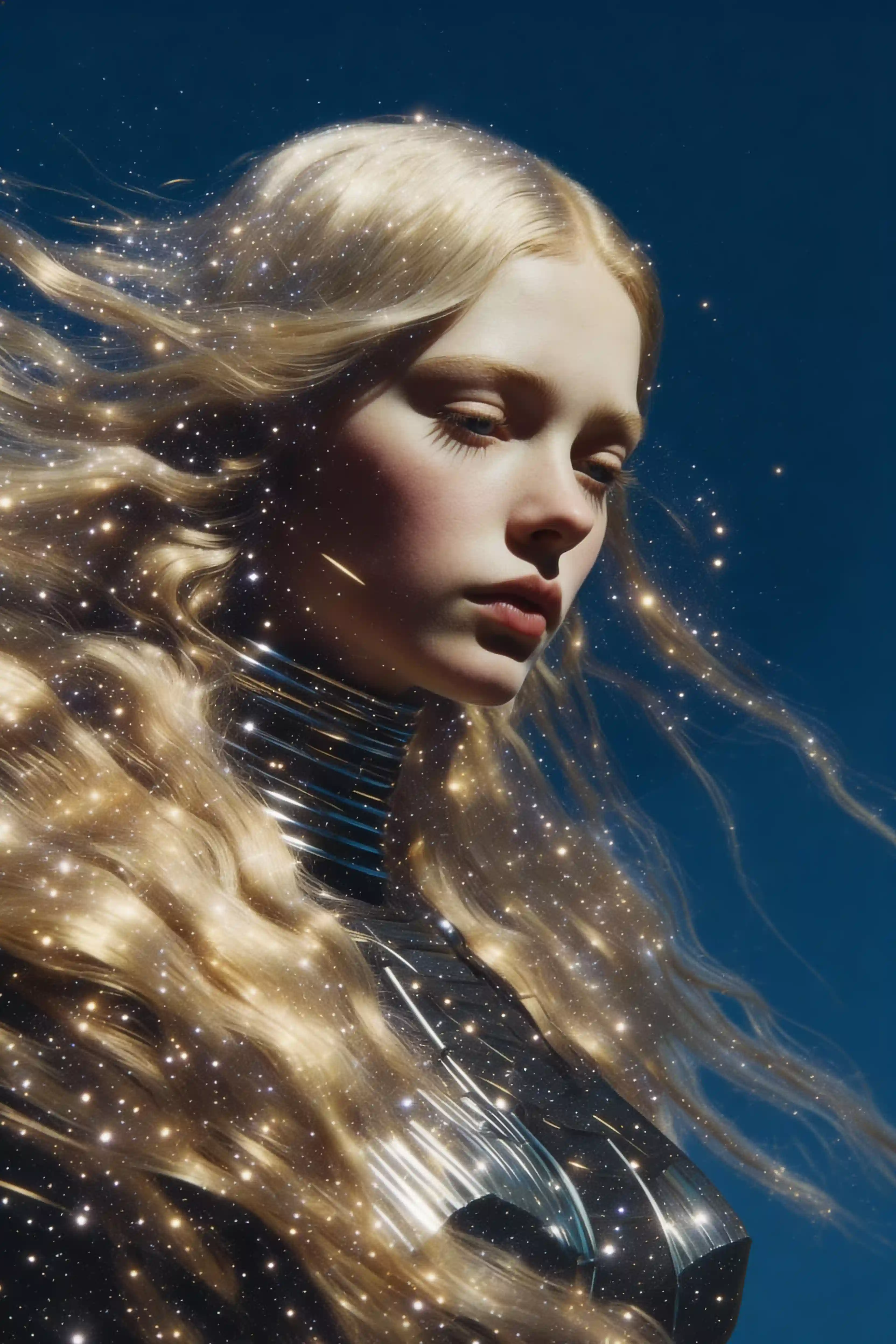
Woman portrait in profile, flowing blonde hair blending with starry galaxy, golden light particles scattered throughout hair, deep blue circular background, ethereal atmosphere, fine art photography
From brief to image
Write a prompt for a new image, or upload a reference to start an edit.
Name the subject, setting, light, style, and the details that must stay consistent.
Adjust framing and output format in the workspace, then generate and iterate from the result.
Capabilities that change the workflow
Use the standard Nano Banana model to generate a new image from a clear natural-language prompt.
Drop in a reference and the page routes you to Nano Banana Edit, the image-to-image model configured for this workspace.
The edit workflow accepts up to ten reference images for compositions that need multiple visual cues.
Choose square, portrait, landscape, classic photo, or ultrawide aspect ratios before generating.
Where Nano Banana earns its place
Explore art directions before committing time to a full production pass.
Reframe a product, change its setting, or test a new visual treatment from references.
Create portrait, square, and landscape assets from the same creative direction.
Use reference images to communicate appearance, styling, and scene context more precisely.
The nearby alternatives
Use the lighter image model for speed, Pro for resolution and references, and Seedance when the final deliverable needs motion.
| Model | Best for | Input | Output | Action |
|---|---|---|---|---|
| Nano BananaThis page | Fast concepts and guided edits | Text or reference images | PNG or JPEG images | View |
| Nano Banana Pro | Detailed, production-minded visuals | Text + up to 8 references | 1K, 2K, or 4K images | View |
| Seedance 2.0 | Cinematic, multi-shot clips with sound | Text, start/end frame, or up to 9 references | 4–15s, up to 4K, native audio | View |
Questions about Nano Banana
Nano Banana is a Google AI image model available in this workspace for text-to-image generation. This site also connects uploaded references to the separate Nano Banana Edit model for image-guided changes.
Yes. Uploading a JPG, PNG, or WEBP from this page opens the Nano Banana Edit workflow in Create, where your image becomes a visual reference for the prompt.
The Nano Banana Edit configuration in this workspace accepts up to ten reference images. The landing-page shortcut starts with one image; you can add more after entering Create.
Nano Banana can export PNG or JPEG and supports common square, portrait, landscape, photo, and ultrawide aspect ratios. The exact controls are shown in Create.
No. Nano Banana is the lighter choice for straightforward generation and edits. Nano Banana Pro adds 1K, 2K, and 4K output choices and supports up to eight references in one model.
New accounts currently receive 12 registration credits that expire after 30 days—enough for two standard generations. Each generation uses credits according to the model and options selected in Create.